Describe who you sell to.Inrick finds them.
Decision makers, verified work emails and, in the US, mobile phones, in one table you can filter, enrich and export.
Counting is free. See how many people match before anything is spent.
Pay when it is found. A credit goes when there is an email or a phone to show for it.
No contract to start. Begin on the free plan, export what you make, and leave with it.
PreviewExample
| Name | Title | Company | Location | Work email |
|---|---|---|---|---|
| Dana W. | VP of Sales | Northwind Logistics | Chicago, IL | d.whitfield@nor… |
| Marcus O. | Head of Revenue Operations | Bellcurve Analytics | Austin, TX | m.osei@bellcu… |
| Priya R. | Director of Sales | Cedar Freight Group | Toronto, ON | p.raman@cedar… |
- Dana W.VP of Sales · Northwind Logistics
- Marcus O.Head of Revenue Operations · Bellcurve Analytics
- Priya R.Director of Sales · Cedar Freight Group
An example of what a search returns. Type your own above to run a real one, free and without an account.
What Inrick works with







From a list of accounts to the right person and a verified email
Start from the companies you want to reach. Priority rules pick one decision maker at each, moving to the next rule only when no one matches. Every person found then gets a work email lookup. Each cell shows its state as it happens, and cells with no result cost nothing.
| Row | Company | Domain | Best contact | Contact title | Work email |
|---|---|---|---|---|---|
| 1 | Cinder Studio | cinderstudio.example | Not run | Not run | |
| 2 | Cinder Bio | cinderbio.example | Not run | Not run | |
| 3 | Willow Media | willowmedia.example | Not run | Not run | |
| 4 | Iris Media | irismedia.example | Not run | Not run | |
| 5 | Zenith Security | zenithsecurity.example | Not run | Not run | |
| 6 | Helix Logistics | helixlogistics.example | Not run | Not run |
Cinder Studiocinderstudio.example
- Best contact
- Not run
- Work email
- Not run
Cinder Biocinderbio.example
- Best contact
- Not run
- Work email
- Not run
Willow Mediawillowmedia.example
- Best contact
- Not run
- Work email
- Not run
Iris Mediairismedia.example
- Best contact
- Not run
- Work email
- Not run
Zenith Securityzenithsecurity.example
- Best contact
- Not run
- Work email
- Not run
Helix Logisticshelixlogistics.example
- Best contact
- Not run
- Work email
- Not run
Both paid columns are waiting: nothing runs until someone presses Run.
A replica of an Inrick table made from the Find decision makers at target accounts template. The companies and people are fictional sample data; the priority rules, the cell states and the credit prices are the product's own.
The template's priority rules
- 1.Rule 1 looks for VP Sales, Head of Sales, or Chief Revenue Officer.
- 2.Rule 2 looks for CEO, Founder, or Co-Founder. Rule 2 runs only at companies where rule 1 found no one.
Two ways in: describe it or filter it
Write who you want in plain English and Inrick turns it into filters you can see and edit. Or build the search yourself from title, seniority, department, location, industry, headcount, revenue, funding and hiring. Counts update as you edit.
What you can find
- People across every company that fits
- Everyone at one company, by level and department
- The best contact at each company, by priority rules
- Companies by industry, size, revenue and funding
- Companies hiring for the roles you care about
- Live job postings


You write
VP of Sales at Series B SaaS companies in the United States
Inrick searches for
- Title:VP of Sales
- Title:Vice President of Sales
- Person country:United States
- Industry:Software Development
- Industry:Computer Software
- Industry:IT System Custom Software Development
- Last round:Series B
Enrich what you need. Pay only when it's found.
Add a column for each detail and run it on the rows you choose. Every lookup below is charged only when it finds a match, at the price in Inrick's live cost settings.


| Lookup | Credits |
|---|---|
Work email A verified work email from a LinkedIn profile | 2 credits per match |
Mobile phone A direct mobile number, United States only | 6 credits per match |
Full profile Profile and career history from a LinkedIn URL | 2 credits per match |
Person from an email The person and profile behind a work email | 2 credits per match |
Company profile Firmographics from a company page | 1 credit per match |
Company page from a domain The company's LinkedIn page for a website | 1 credit per match |
Research accounts with the agent, with a plan first
The Inrick Agent works in plain English on your tables and searches. Before it searches for people or companies, runs a lookup or changes your data, it shows a plan and waits for you.
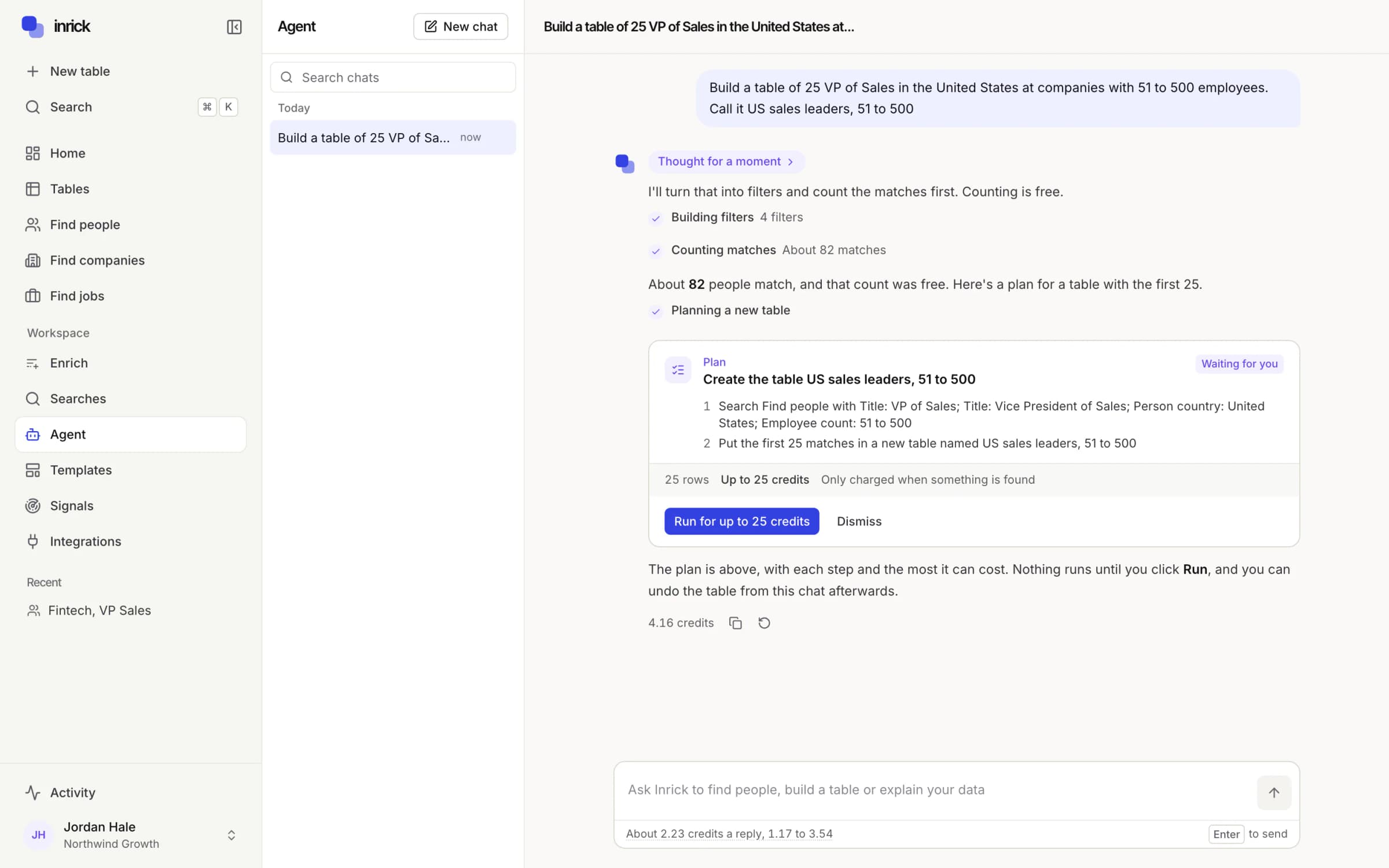
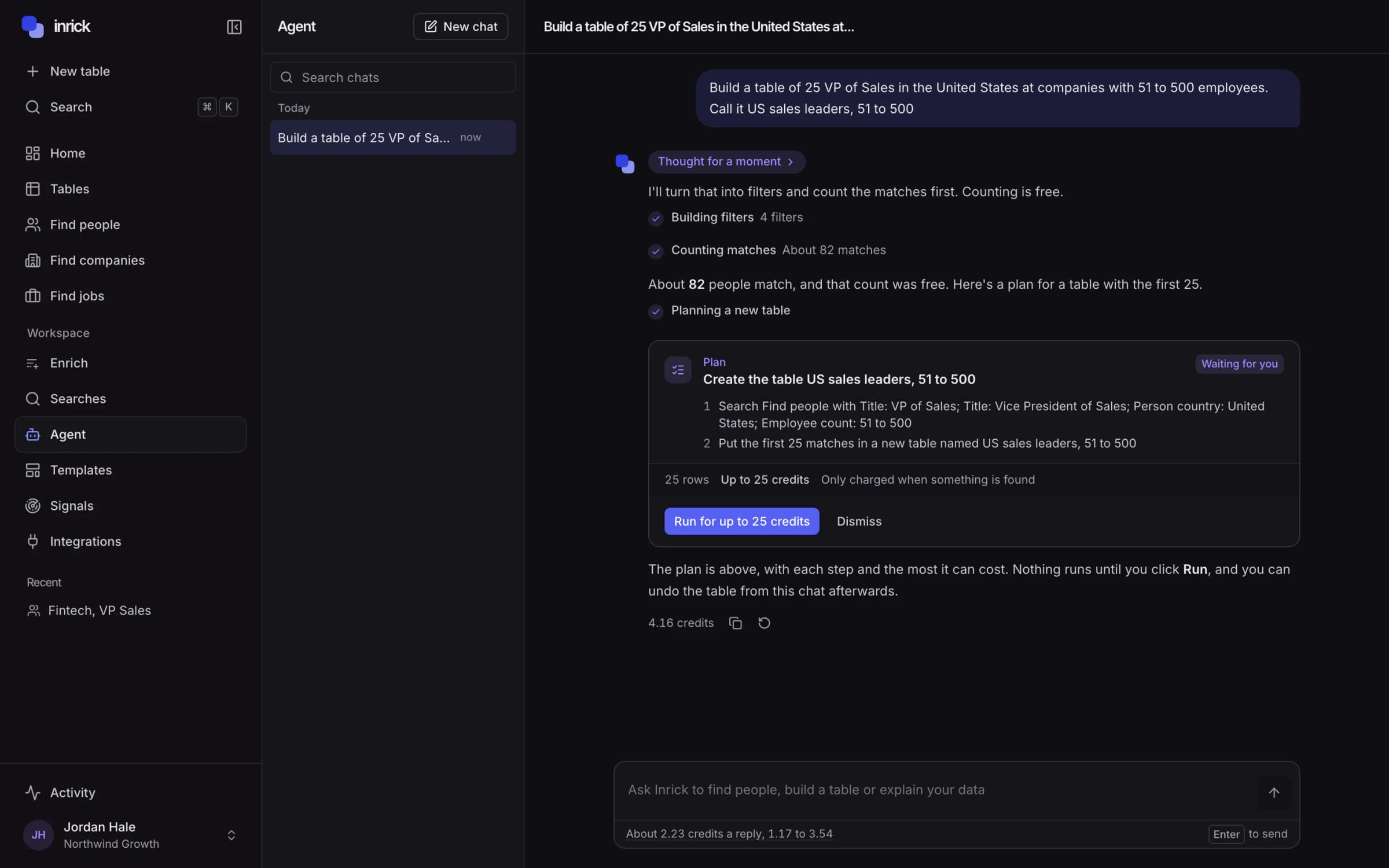
Step 1
Ask in plain English
Find heads of growth at the companies in this table, add a column, or filter to rows with a verified email.
Step 2
Review the plan
Before a search, a lookup or any change to your data, it lists the steps, the rows affected and the credits it estimates.
Step 3
Run it, or don't
The plan runs only when you press Run. Every change is marked as made by the assistant and can be undone.
Replies are priced by what the agent reads and writes, and by each web search it runs: AI reading, 0.2 credits per 1,000 tokens; AI writing, 1 credit per 1,000 tokens; AI web research, 2 credits per request.
Push to where you send from
Map columns to your sequencer or CRM, skip rows without a valid email or already pushed, and see the push status of every row.
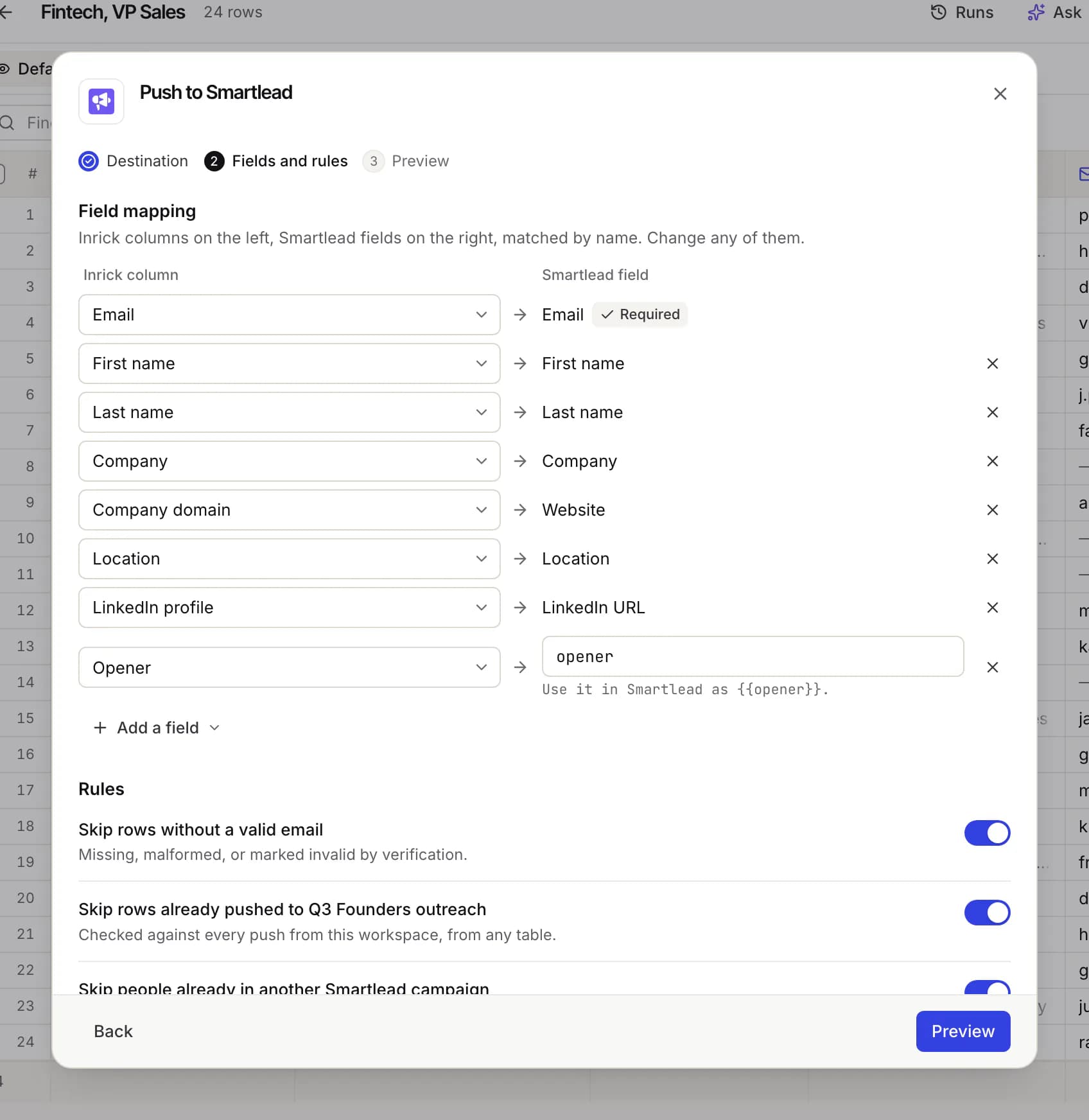
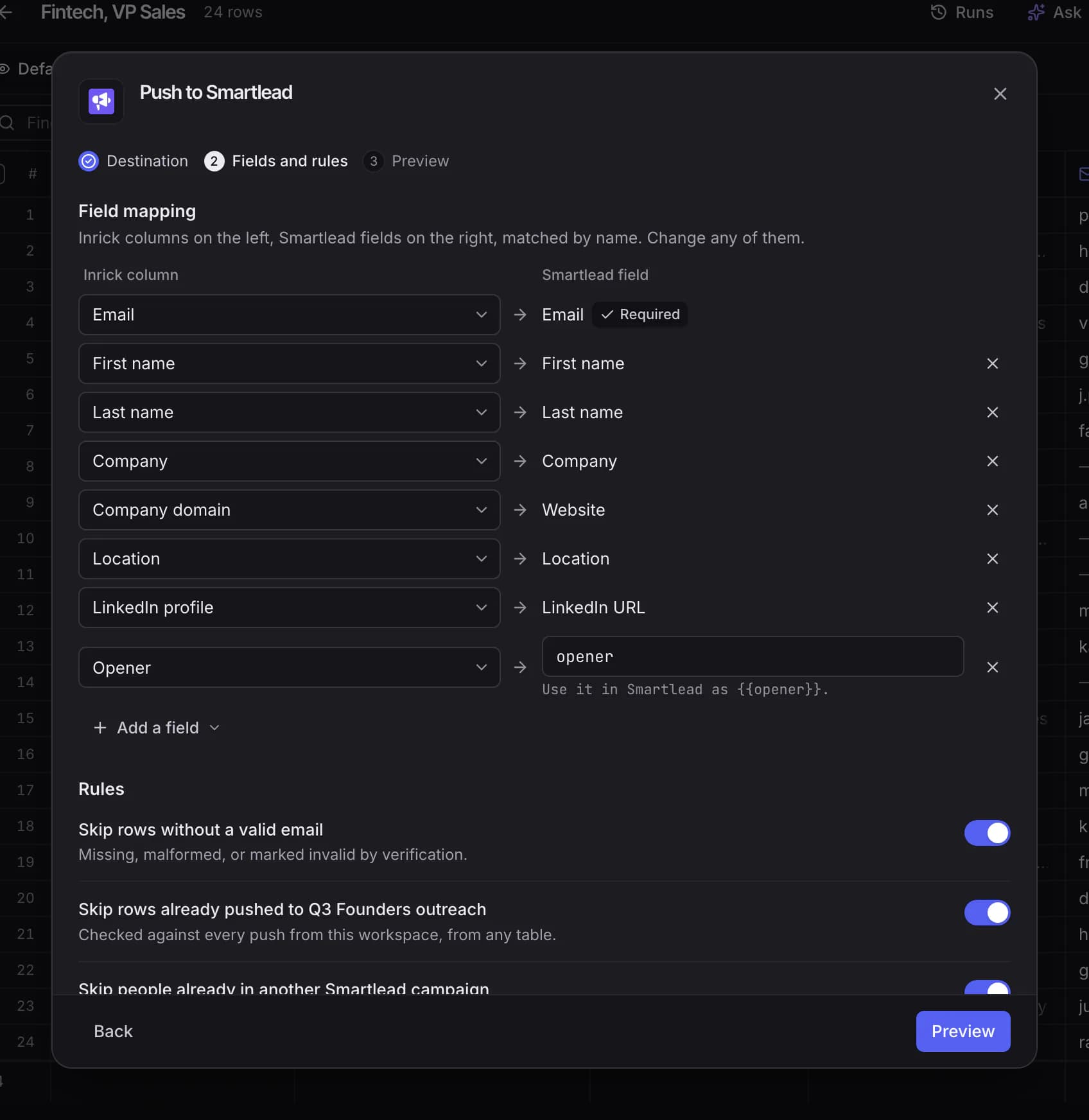
- SmartleadPush verified leads into a Smartlead campaign, with custom variables for your openers.
- InstantlyAdd leads to an Instantly campaign, with the AI opener as personalization.
- lemlistSend leads to a lemlist campaign, with the AI opener as the icebreaker.
- HubSpotCreate or update HubSpot contacts, add them to a list, and skip people already there.
- PipedriveCreate people linked to organizations in Pipedrive, or open deals in a pipeline stage.
- AttioCreate or update people and companies in Attio, and add them to a list.
See the cost before you spend
One balance, in credits, for everything that costs something.
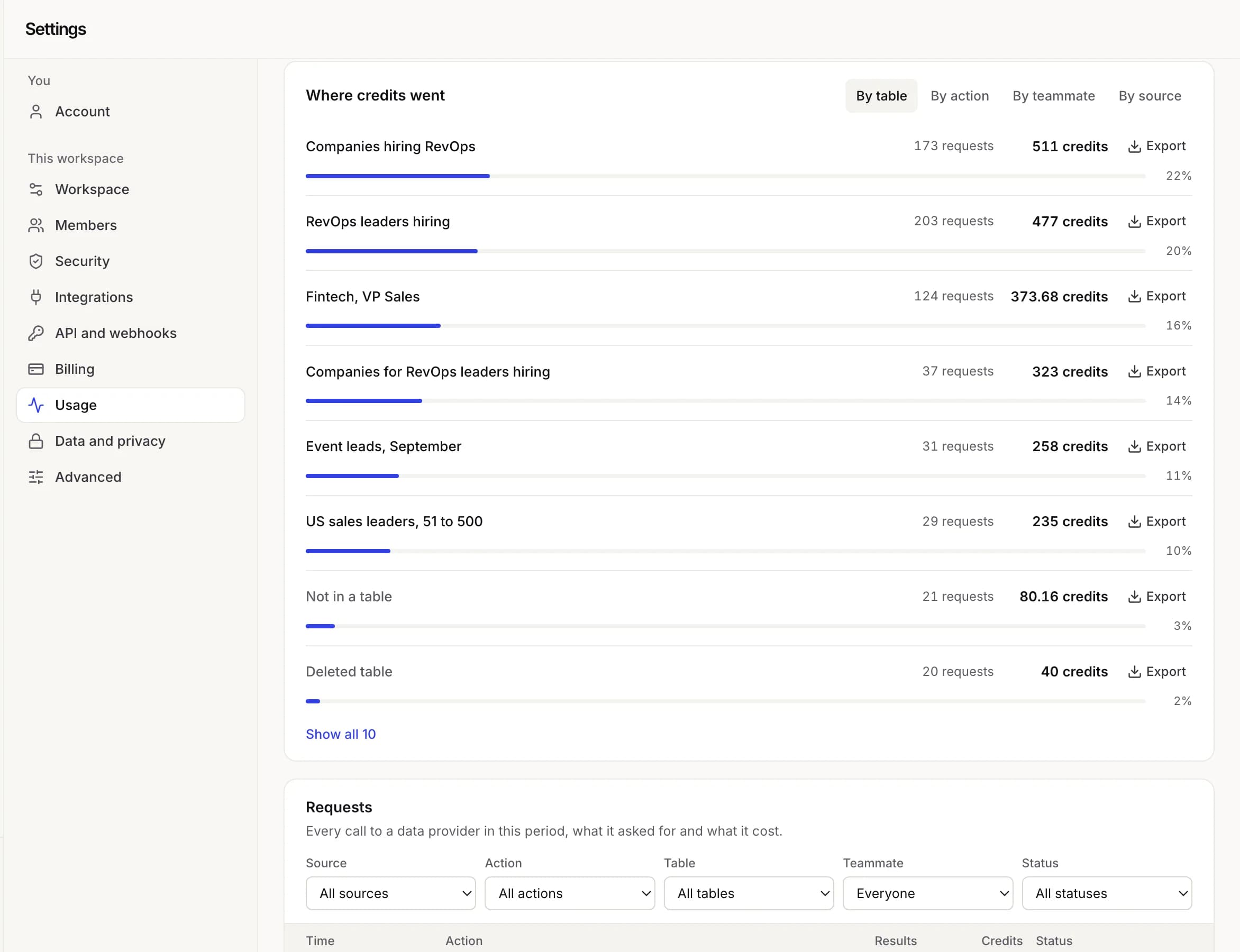
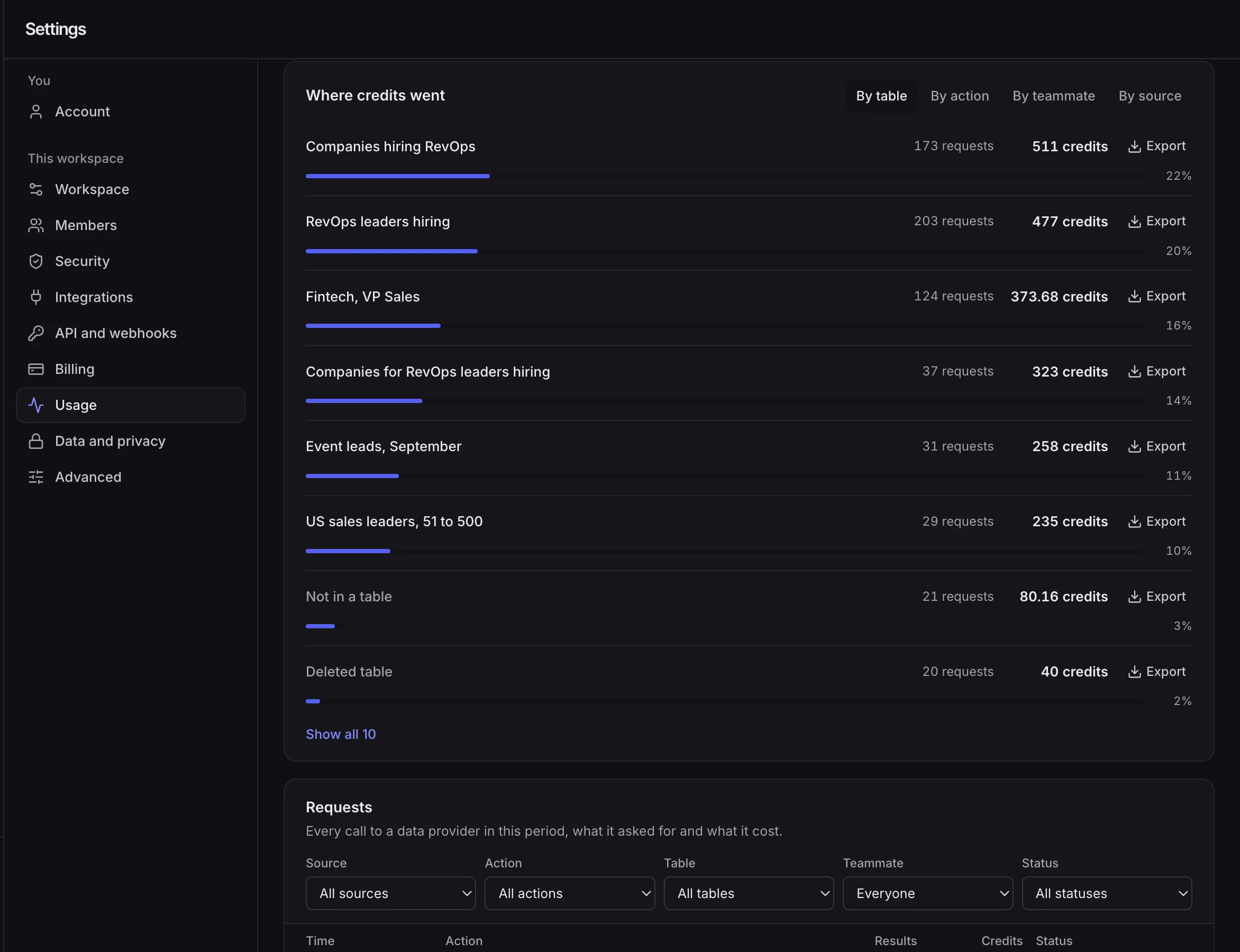
- The cost is on the button
- Search shows what it can cost before you run it, and a search never asks for more results than your credits cover.
- Nothing for nothing
- Lookups that find nothing and failed lookups cost nothing, and rows skipped by a condition never run.
- Every credit accounted for
- Usage lists each charge in plain language, by table and teammate, and exports to CSV so agencies can bill clients.
- Credits that keep
- Purchased credits never expire. Monthly credits reset each month and are spent first.
Your workspace stays yours
The controls that are live in the product today, described plainly on the security page.
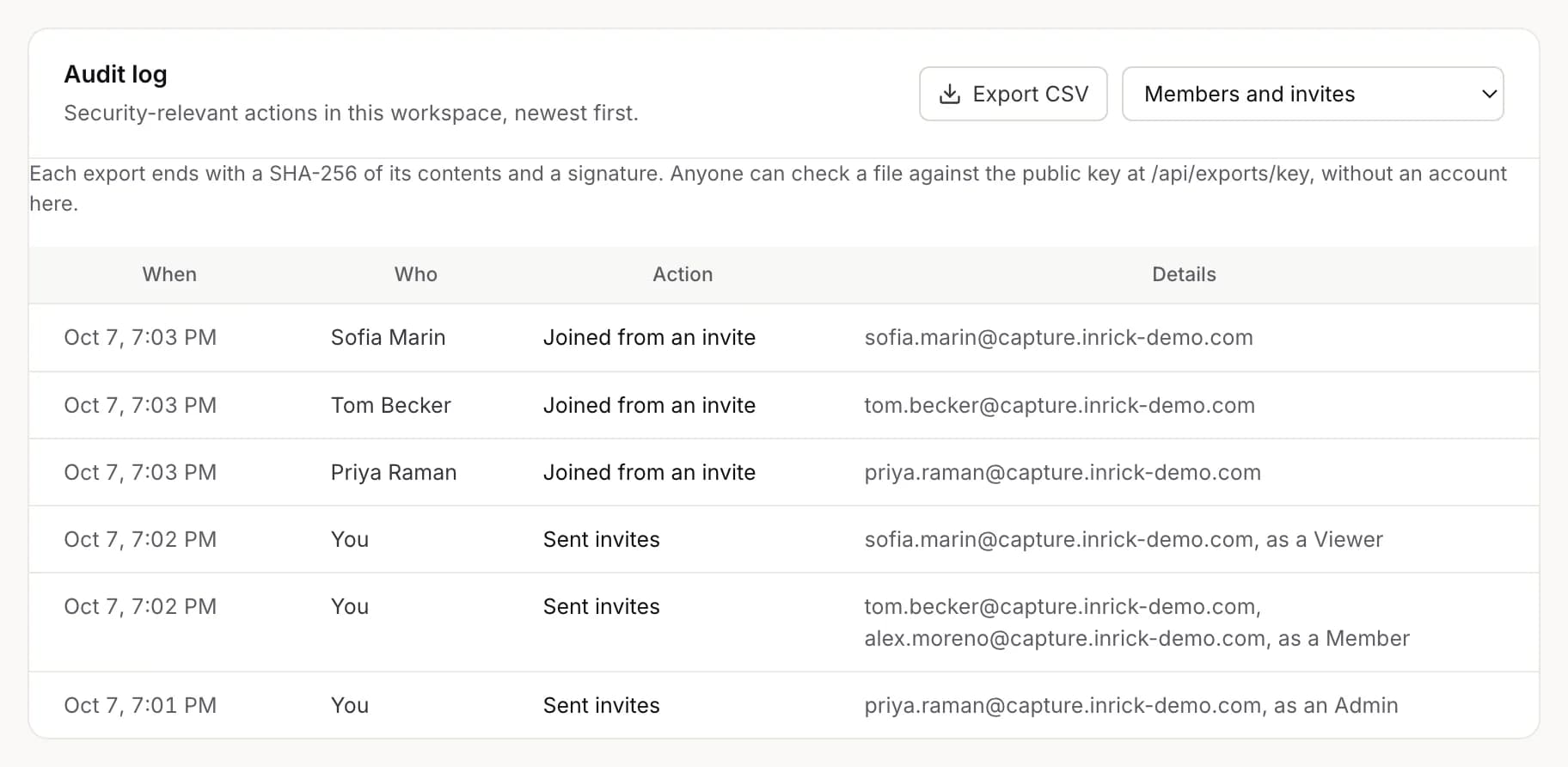
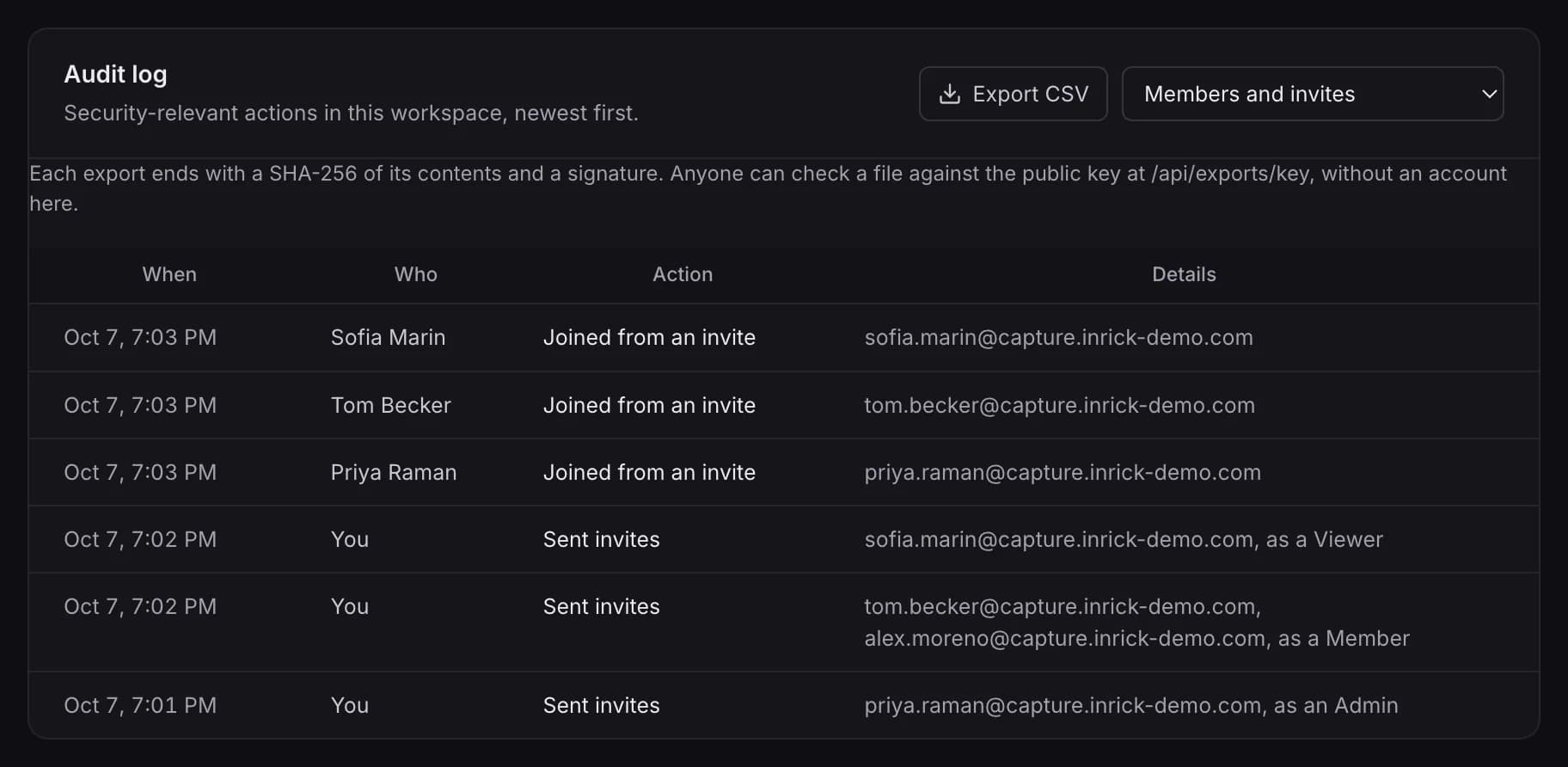
- Saved keys and secrets encrypted at rest with AES-256-GCM
- Every query scoped to your workspace
- An audit log of sign-ins, exports, role and security changes
- Owners, admins, members and read-only viewers
- Directory sync with Okta and Entra, so leavers lose access the same day
Where the data comes from
Inrick searches professional profiles, companies and live job postings supplied by third-party business data partners. Work emails are verified before they're returned, and mobile phones cover the United States.
Anyone can ask to be removed from Inrick's data. Opt out
How Inrick sources data- People
- Name, title, seniority, department, location and career history.
- Companies
- Industry, headcount, headquarters, revenue range and funding.
- Jobs
- Live postings by title, location and hiring company.
- Contact details
- Verified work emails, and mobile phones in the United States.
Start from a template
Each template opens as a working table with its columns set up, and sample rows if you want them.
- Find decision makers at target accountsStart from a list of companies and find the right person at each one, with a verified email.One row per company
- Enrich a CSV of emailsUpload a list of emails and get the person, title, company and phone behind each one.One row per person
- Job change signalsKnow when your champions and customers move to a new company.One row per person
- Hiring signalsSee which target companies are hiring for the roles your product helps with.One row per company
- Agency client listA reusable list build for a client ICP, ready to hand off or push.One row per person
Start with who you want to reach
Describe them, see who matches, and sign in only when you're ready to get contacts.